Do We Still Need Tailwind CSS in 2026?
The browser learned new tricks. Tailwind learned them too. The real question isn't whether to use Tailwind — it's whether you understand why you're reaching for it.
 ZextOverse
Loading articles...
The browser learned new tricks. Tailwind learned them too. The real question isn't whether to use Tailwind — it's whether you understand why you're reaching for it.
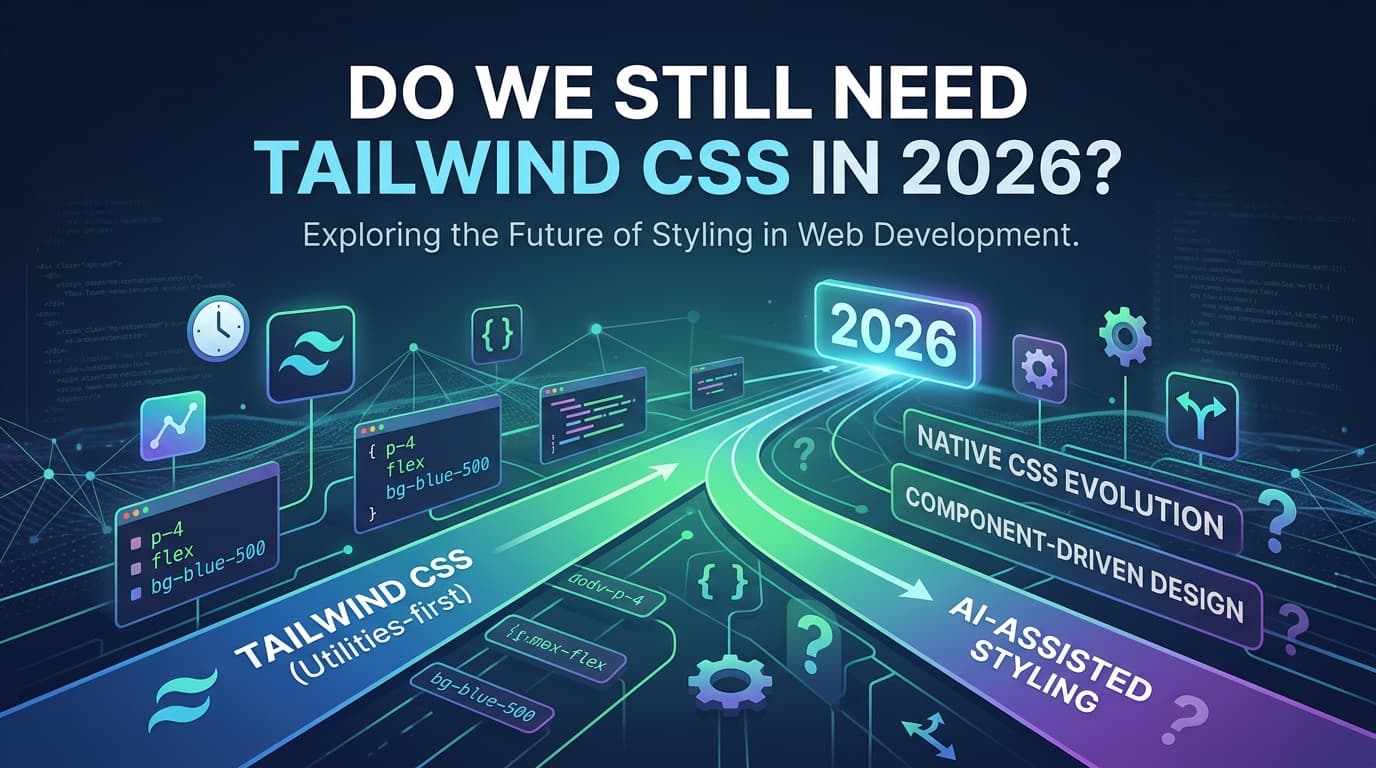
The year is 2026. CSS nesting is native. Container queries are universally supported. Cascade layers ship in every modern browser. Custom properties with @property can animate gradients without JavaScript. color-mix() replaces entire color utility systems. :has() has 100% cross-browser support.
And Tailwind CSS just released v4, a ground-up rewrite in Rust, with sub-millisecond HMR, zero config files, and design tokens exposed as native CSS variables.
So — do we still need it?
The honest answer is: it depends. But the more interesting answer is that the question itself has changed.
Before getting into the broader debate, it's worth being precise about what Tailwind actually is in 2026, because Tailwind v4 — released in January 2025 — is not the same framework most of the "do we need Tailwind?" discourse was written about.
It replaces the JavaScript-based engine with the Oxide engine written in Rust, moves all configuration to CSS using @theme directives, and introduces CSS layers for cascade control. The tailwind.config.js file you've used since 2019 is gone.
Full builds are up to 5× faster, incremental builds over 100× faster. PostCSS is now optional, with a first-party Vite plugin available. Container queries are built into core — no plugin required.
Most critically: CSS-first config means your design system is part of the cascade — not a JS abstraction on top of it. oklch is genuinely better than hex for UI work — perceptually uniform, P3-wide, and opacity always works.
This is not an incremental update. Tailwind v4 has absorbed many of the criticisms that fueled the "just use CSS" camp and responded architecturally. The framework has moved closer to the platform, not away from it.
That said, the case for writing plain CSS in 2026 is also the strongest it's ever been.
Container queries are here. CSS nesting is native. We have cascade layers. The language has been hitting the gym. And then there are all these new kids on the block: Panda CSS, StyleX, UnoCSS, Lightning CSS.
Let's be specific about what modern CSS can do today that it couldn't three years ago:
/* No preprocessor. No build step. Just CSS. */
.card {
  padding: 1.5rem;

  &:hover {
    background: color-mix(in oklch, var(--color-primary) 10%, transparent);
  }

  & .title {
    font-size: 1.25rem;
  }
}
Modern CSS has fundamentally changed how we write responsive styles. Container queries finally solve the problem properly: components no longer care about the viewport — they care about their container.
.card-wrapper {
  container-type: inline-size;
}

.card {
  display: block;

  @container (min-width: 400px) {
    display: flex;
    gap: 1rem;
  }
}
This was a Tailwind plugin (then a Tailwind v4 core feature). Now it's just CSS.
@layer vendors, base, components, utilities;

@layer base {
  /* Your resets */
}

@layer components {
  /* Your component styles — never fight specificity again */
}
@property for Typed Animations@property --hue {
syntax: "<number>";
inherits: false;
initial-value: 0;
}
/* Now you can animate --hue like a number, not a string */
.gradient-button {
transition: --hue 0.3s ease;
}
The combination of @layer and CSS Variables provides most of the benefits of Tailwind with none of the bundle bloat. Many teams in 2026 are moving back to native CSS with Design Tokens.
All of that is true. And also: utility-first CSS is still faster for most developers in most contexts.
This isn't about skill — it's about cognitive load. When you're building a UI, the mental context-switch between your markup and a separate stylesheet has a real cost. Tailwind eliminates that switch. You write flex gap-4 items-center p-6 and you are done. You don't name things. You don't manage specificity. You don't wonder whether .card--compact overrides .card.
The most pragmatic 2026 stack is Tailwind for 90% of styles, with CSS Modules or scoped styles for the 10% that needs it. Mainstream and growing — hard to imagine a sudden reversal.
And the DX improvements in v4 are not cosmetic:
content array to maintain.--color-primary, --spacing-4, and --font-size-lg are real CSS variables, accessible anywhere — in your stylesheets, in JavaScript, in DevTools.<1ms HMR: Sub-millisecond incremental builds are the quiet win that changes your daily development experience more than the headline 5× speed improvement.For teams building product UIs — dashboards, SaaS apps, design system implementations — the velocity argument for Tailwind remains intact.
The Tailwind debate has always been muddied because people are comparing different types of projects. Let's separate them:
Tailwind wins here. You're building dozens of components with consistent spacing, color, and typography from a design system. The constraint of a pre-defined scale is a feature — it prevents design drift. The build-time atomic output produces tiny CSS bundles. The IDE autocomplete with Tailwind IntelliSense is genuinely excellent.
Verdict: Use Tailwind v4.
This is where native CSS makes more sense. Your styling challenges are mostly typographic — long-form prose, article layouts, custom editorial components. The overhead of utility classes on highly semantic HTML (articles, <aside>, <blockquote>) creates noise without much benefit. CSS nesting handles your component states elegantly. A prose utility like @tailwindcss/typography exists, but you're now shipping Tailwind for one plugin.
Verdict: Native CSS + minimal tooling (Lightning CSS or PostCSS). Tailwind optional.
This is the trickiest case. If you're building components for consumption by others, Tailwind creates a coupling problem. Consumers need to have Tailwind configured in their project, with the right content detection to scan your package. This has improved significantly with v4, but the coupling is still real.
Verdict: CSS Modules, vanilla-extract, or CSS custom properties. Avoid Tailwind as a library dependency.
Tailwind is unbeatable here. Zero decisions on naming, instant design system, fast iteration. The "HTML looks noisy" criticism evaporates when you're the only developer and the goal is shipping something.
Verdict: Tailwind, obviously.
If you're evaluating whether to use Tailwind, you should know what else is on the table:
| Tool | Approach | Best For |
|---|---|---|
| Tailwind CSS v4 | Utility-first, CSS-first config | Product UIs, SaaS, teams |
| CSS Modules | Scoped class-based CSS | Component-heavy apps, libraries |
| vanilla-extract | TypeScript-typed CSS at build time | Design systems, type safety |
| UnoCSS | Atomic CSS, Tailwind-compatible | Performance-critical, custom engines |
| Panda CSS | Type-safe utility CSS with recipes | Design system APIs, strict DX |
| StyleX (Meta) | Atomic compile-time CSS-in-JS | Large-scale apps, Meta-stack |
| Native CSS + Layers | No build step, no framework | Content sites, server-rendered |
None of these is wrong. The ecosystem has matured to the point where your tool choice should follow your constraints, not your Twitter allegiances.
Despite the CSS renaissance, there are areas where Tailwind's approach continues to provide genuine value that native CSS doesn't replicate easily:
Design token constraints. Tailwind forces you into a spacing scale, a color palette, a type scale. This sounds limiting — and it is, by design. Teams that "just write CSS" often accumulate margin: 13px and font-size: 15.5px scattered across their codebase. The Tailwind constraint is a design system enforced by the toolchain.
Purging unused styles. Zero-config content detection means Tailwind finds your template files automatically and generates only the CSS you actually use. A native CSS approach with layers and variables generates everything, used or not.
Responsive and state variants. hover:bg-blue-500 focus:ring-2 md:flex lg:grid as inline markup is genuinely readable once you know the syntax. The alternative is more verbose and split across files.
Dark mode. dark:bg-gray-900 dark:text-white is still more ergonomic than maintaining a parallel set of CSS custom property overrides under a .dark class or @media (prefers-color-scheme: dark) block.
Expressiveness. There are things you simply cannot express elegantly in utility classes. Complex animations, intricate selectors, the :has() relational pseudo-class, subgrid layouts — these are places where CSS is just… CSS. Tailwind's arbitrary value syntax ([calc(100vh-4rem)]) is a patch, not a solution.
Readability at scale. A component with 30 utility classes is technically readable but practically difficult to scan. A well-named CSS class with a handful of properties communicates intent. Both scale badly if you don't maintain discipline; CSS Modules enforce scope while still allowing semantic class names.
No framework dependency. CSS won't deprecate a utility, rename a class, or change its configuration format. The tailwind.config.js → @theme migration was the right call, but it also broke every v3 project. Native CSS is versioned by the browser, not by a company.
Bundle ownership. Every Tailwind project ships with a normalized set of base styles (Preflight) whether you want them or not. In native CSS, you own the reset.
Tailwind CSS in 2026 is not a crutch for developers who can't write CSS. It's not a shortcut that produces inferior results. Tailwind v4, specifically, has addressed most of its structural criticisms: it embraces the cascade, exposes design tokens natively, and builds at Rust speed.
But native CSS in 2026 is also not the underpowered language that justified utility frameworks in 2017. Container queries, cascade layers, native nesting, @property, color-mix() — these are production-stable, widely supported, and genuinely powerful.
The answer to "do we still need Tailwind in 2026?" is:
The worst outcome is choosing Tailwind (or rejecting it) because of ecosystem pressure rather than project fit. Both paths are valid. Both paths have tradeoffs. Understanding those tradeoffs is what distinguishes an engineer from someone who just follows what's trending on Twitter.
Ask yourself these questions before picking your styling approach:
Use Tailwind v4 if:
Consider native CSS if:
Hybrid approach: For most real-world applications, the honest answer is a pragmatic hybrid: Tailwind for the layout and spacing scaffolding, CSS Modules or scoped styles for complex component internals, and CSS custom properties for theming and runtime manipulation.
That pragmatic hybrid — Tailwind for the common case, CSS Modules for complex or animation-heavy components — is increasingly the mainstream 2026 stack.
The frameworks are converging toward the platform. The platform is catching up to the frameworks. The winner, ultimately, is the web.

Create elementAI Explainer Videos That Convert With Simple Text Prompts.
Learn More